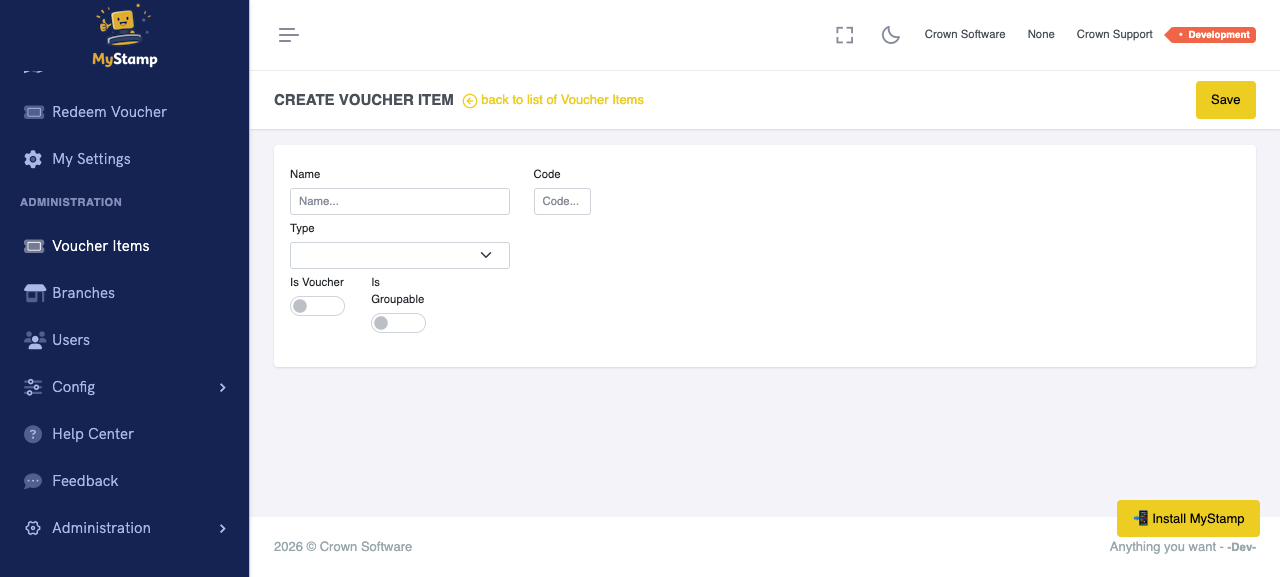
Before you start
- You must be a business owner or administrator.
- Know what reward you want to offer customers.
- Create the Voucher Item before linking it to a Rule.
Quick screenshots
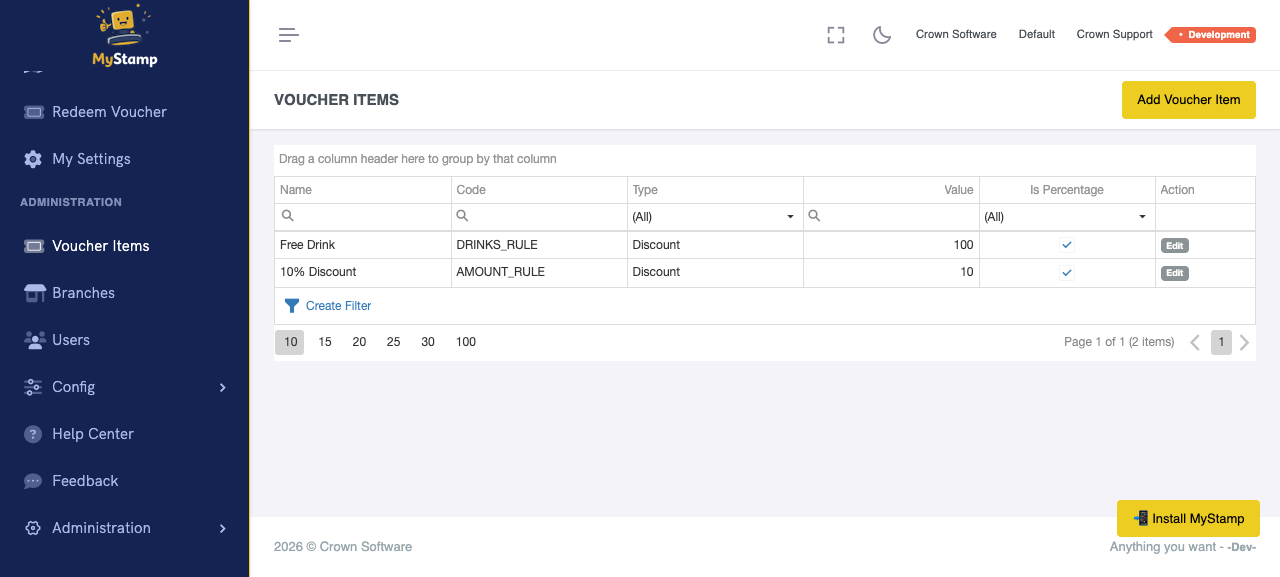
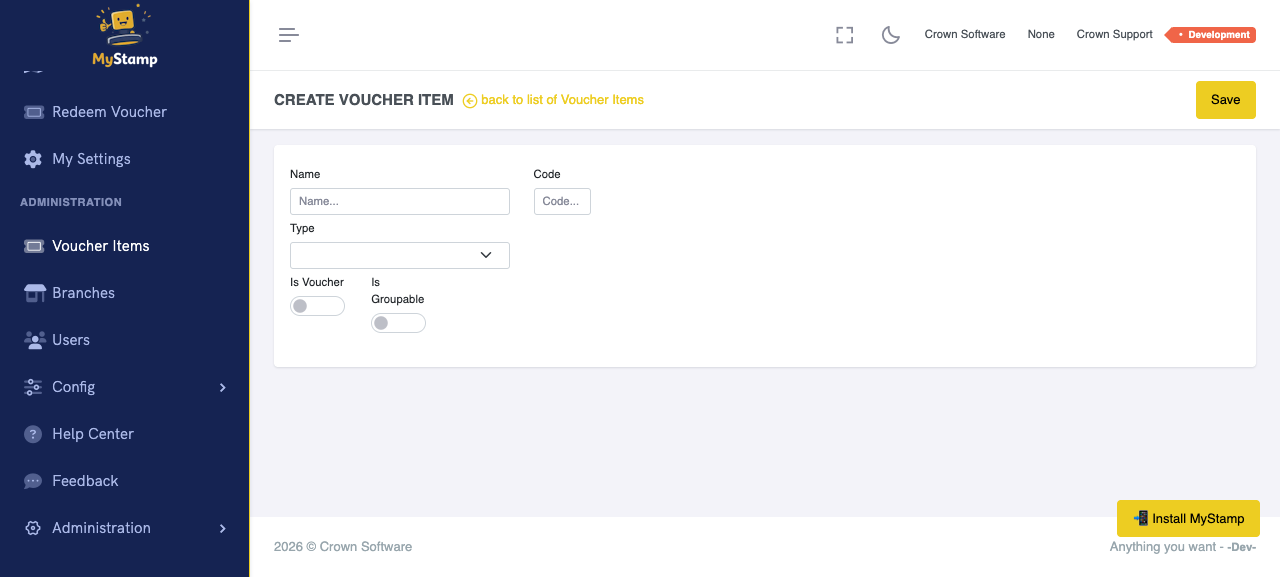
Small visual references so users can recognise the right screen fast.
Steps
Open Voucher Items
Go to Administration → Voucher Items in the left menu. Only business owners see this section.
Name the reward clearly
Give the Voucher Item a name your staff will recognise at the counter. For example: Free Regular Coffee, Free Muffin, or 10% Off Any Pastry. Avoid internal codes like FC-01 — staff will not know what that means.
Choose the Type
Select the kind of reward. Item means a specific free thing (no value needed). Discount means a percentage or rand amount off (shows Value and Is Percentage fields). Prepaid means a package customers buy in advance.
Set the Value (Discount and Prepaid only)
For Discount, enter the amount and toggle Is Percentage between % and a rand amount. For Prepaid, enter the rand value of the package. Item type does not need a value.
Configure grouping (optional)
If Is Groupable is on, you can set Group Size (how many items per card), Heading (the group label on the stamp card, like Coffees), Unit Qty (items per unit), and Unit Text (singular|plural, like cup|cups).
Save and link to a Rule
Save the Voucher Item. Then create or edit a Rule in Administration → Config → Rules and select this item from the dropdown. A Voucher Item on its own is just a definition — the Rule makes it earnable.
Success check
- The Voucher Item appears in the Voucher Items list.
- The name is recognisable to someone who has never used the system.
- The Type matches the kind of reward you intend to give.
- The item is linked to at least one active Rule.
Common mistakes
- Naming the reward in a way staff do not recognise at the counter.
- Creating a Discount type but leaving the Value at zero.
- Creating a Voucher Item but never linking it to a Rule — customers cannot earn an unlinked item.
- Using a code instead of a human-readable name.