Before you start
- Your business account must be active.
- Have your branch name, staff names, and first reward idea ready.
- Decide what the customer must buy before earning a reward.
Quick screenshots
Small visual references so users can recognise the right screen fast.
Video tutorials
Business owner quickstart video
2 minA short walkthrough for setting up the business, branch, staff, and first reward.
Steps
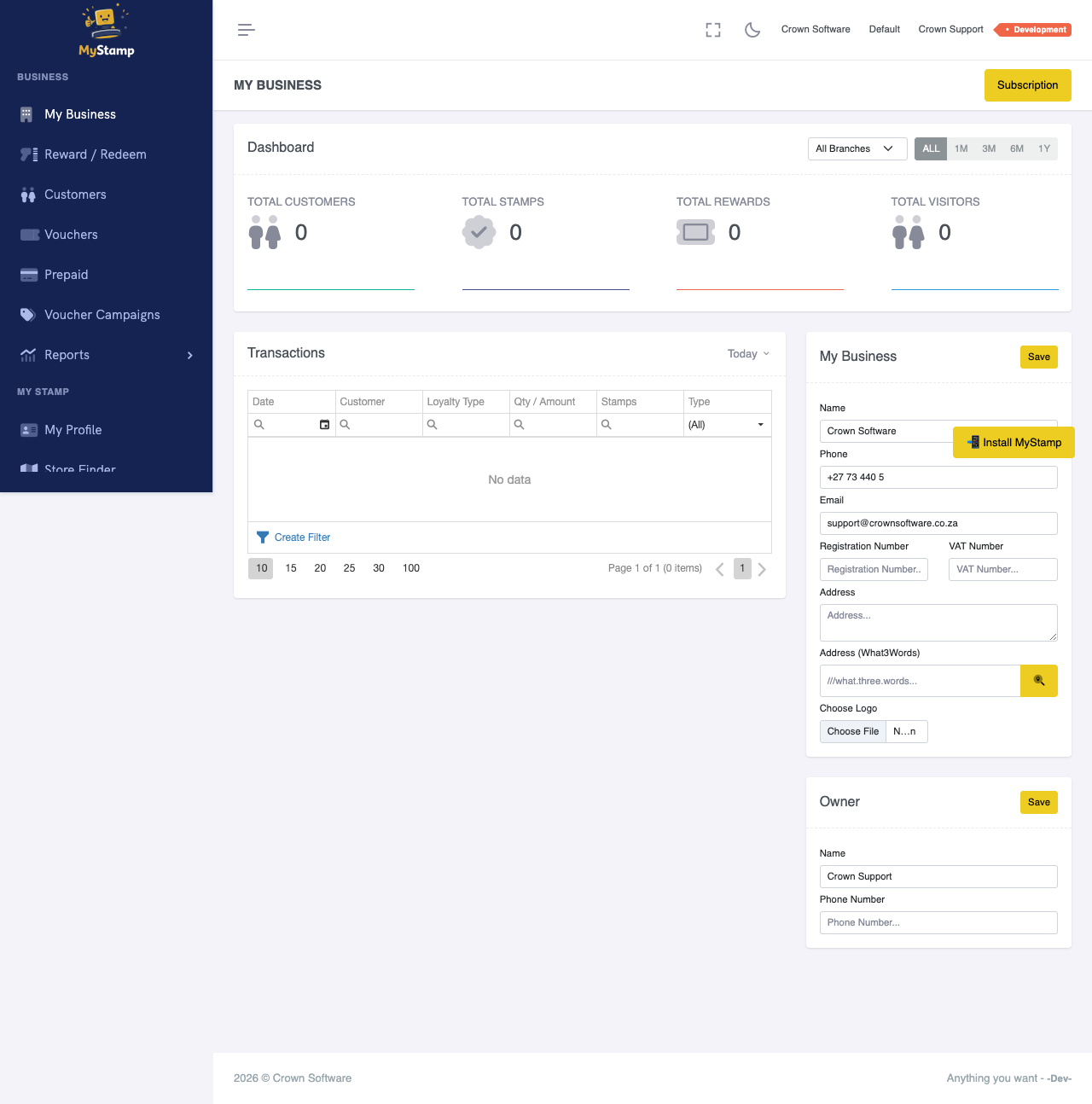
Confirm your business details
Open your business profile and check the trading name, contact details, logo, and public information customers will see.
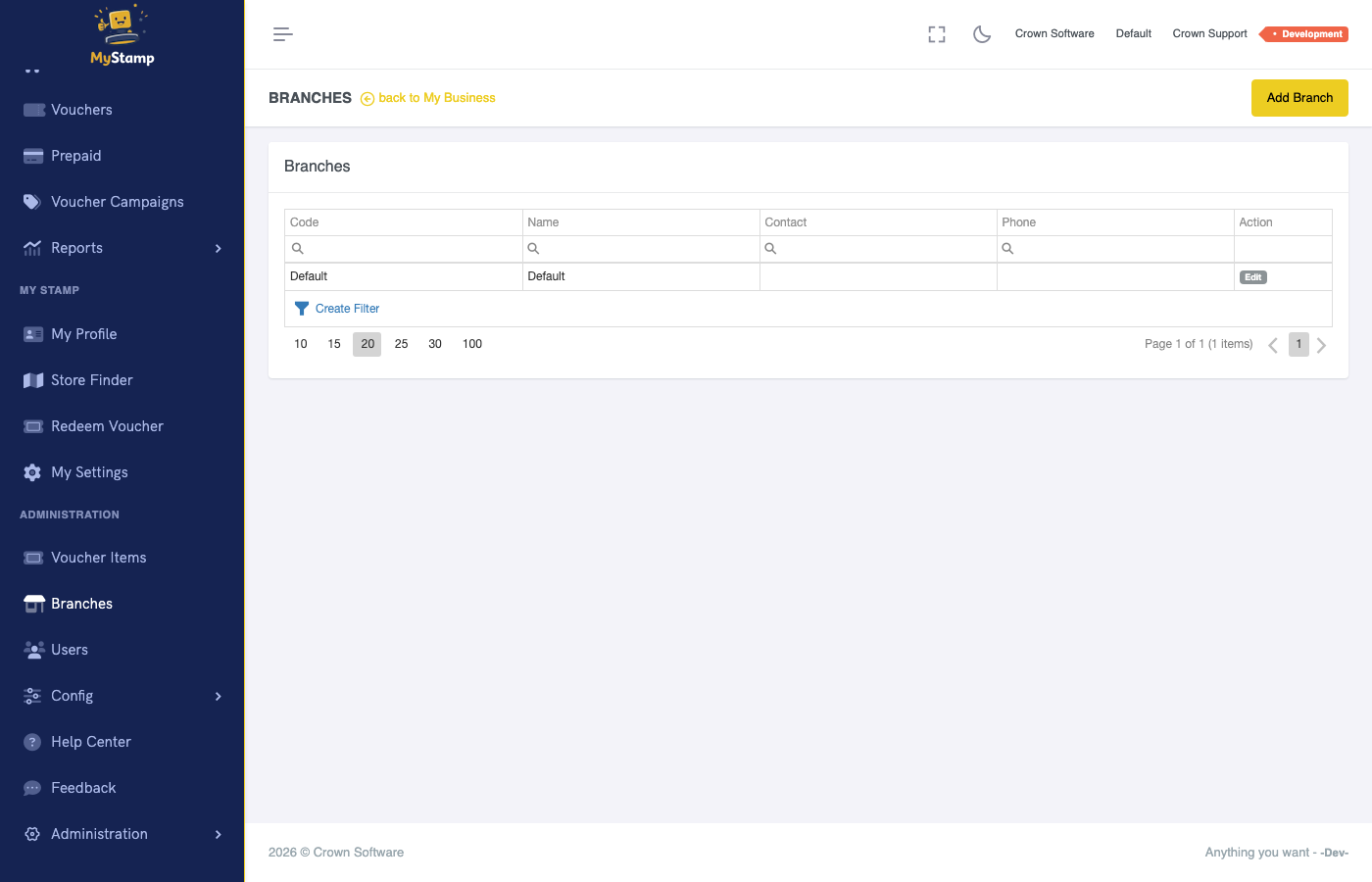
Add your first branch
Create the branch where staff will issue stamps and redeem rewards. Use the name customers recognise, such as Cape Road or Main Street.
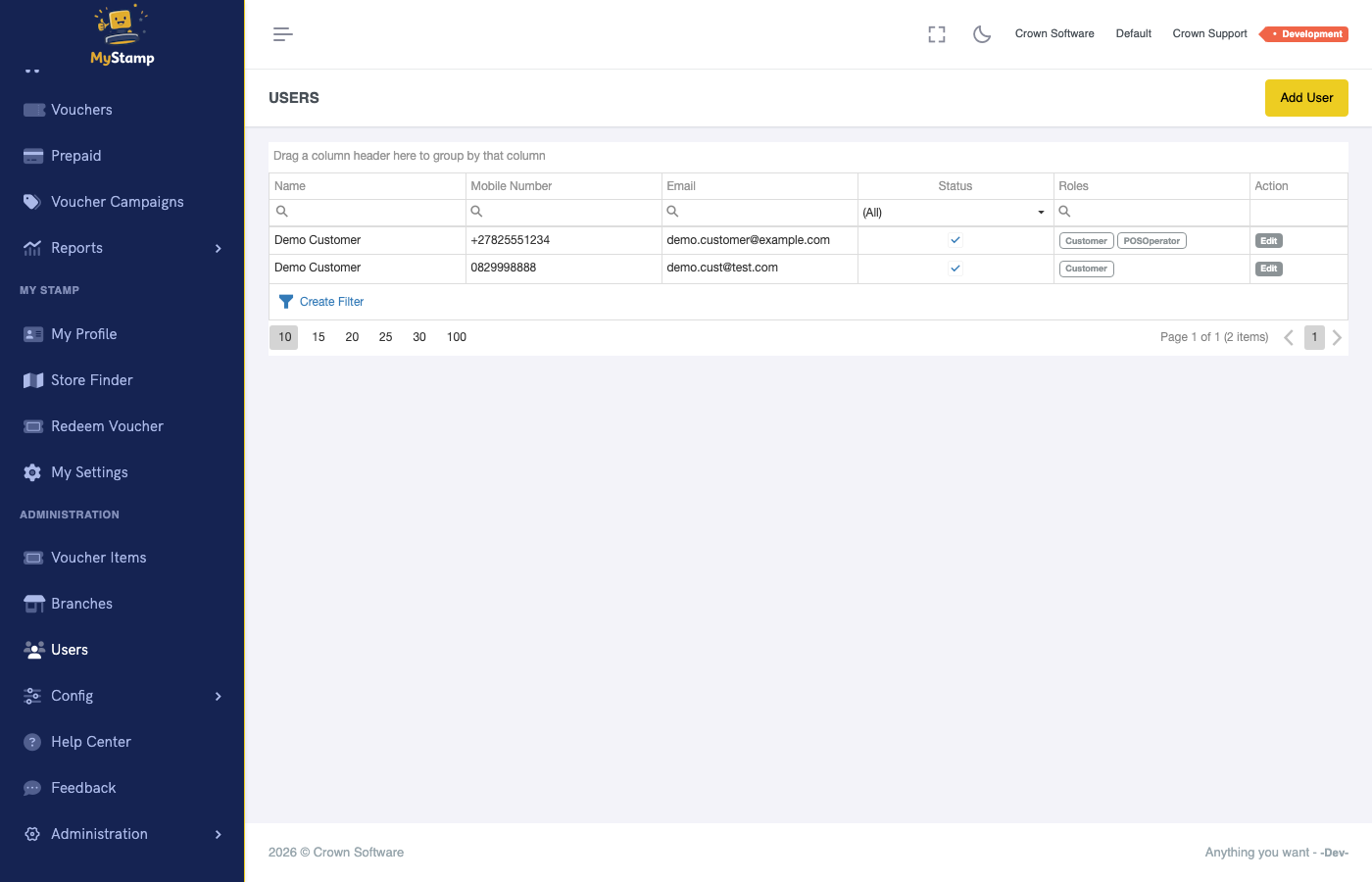
Add staff members
Invite or create the staff who will work at the counter. Give them the role they need to find customers, award stamps, and redeem rewards.
Create your first reward
Create a simple starter reward, for example Buy 8 coffees, get 1 free. In MyStamp this usually means creating the voucher item first, then linking it to a loyalty rule.
Test the counter workflow
Use a test customer to award a stamp, view progress, and redeem the reward once the rule is met.
Success check
- The branch appears in your business setup.
- At least one staff member can log in.
- A test customer can receive a stamp.
- You understand which reward customers are working towards.
Common mistakes
- Creating a reward but not configuring the rule that issues it.
- Letting staff use the owner account.
- Launching before testing one full award-and-redeem cycle.